One Bible app for four things at once: reading Scripture, writing notes that link to it, growing with your circle, and studying alongside AI. Type a reference and it becomes a living verse — then every note finds its way back to the passage it touches.
The whole talk hinges on one move — from the first creation to the new. He started here:
John 3:16 3 — and I want to sit with it.
“For God so loved the world, that he gave his only begotten Son, that whosoever believeth in him should not perish, but have everlasting life.”John 3:16 · KJV
FWMH isn’t only a notebook. It’s where you read Scripture, write notes anchored to it, keep rhythm with your circle, and study alongside an AI that knows both the Bible and your notes.
KJV, 和合本 & 當代譯本 — with Strong’s, deep study, and advanced Bible views.
Explore reading 02 · NotesType a reference and it becomes a verse; every note links back to the passage it touches.
Explore notes 03 · SocialGroup devotions, shared streaks, and gifts when your circle shows up together.
Explore social 04 · AIPlan devotions and reflect with an AI companion grounded in Scripture and your own notes.
Explore AIYou reference many passages in one sitting, and you want those notes to come back to you later — organised around Scripture. Today they don’t. Either the writing is interrupted by navigation, or the notes are trapped wherever you filed them.
Great for reading. But notes are plain text, filed one verse at a time, with no rich editor — and no way to open a verse and see everything you’ve written on it.
Deep, but it makes you navigate to a verse to attach a note. When a talk crosses Genesis, Luke, then Romans, you spend it navigating instead of writing.
Fast to write, impossible to search. Your note on Romans 8:28 from last year is gone. Nothing gathers itself back onto the verse.
Writing-first, but a reference is just text. No verse preview, no canonical identity, no backlink from a verse to your notes. You’d have to build all of it yourself.
Write at the speed of thought — and trust that every note self-organises around the Scripture it touches.
Type “Gen 1:1”, “Luke 2”, or “約 3:16”. FWMH recognises it and turns it into an inline chip that quotes the verse. You never leave your note.
Ranges, cross-chapters, multi-refs — English and 中文. Low-confidence matches are surfaced as confirmable “unlinked mentions”, never silently mis-linked.
Weeks later, open John 3:16 and a panel shows every note you ever wrote that cited it — with a preview of what you said. That backlink is the product.
The tools behind the four sides — reading, writing and studying — all working offline, on your device, with your words kept yours.
Type a reference in English or 中文 and it becomes an inline chip that quotes the verse. Single-tap for a thumb-friendly sheet with version tabs and the full passage.
Open any verse and see every note that ever cited it — with a preview of what you wrote. The one move no other app makes.
Long-press a verse to go under the English and Chinese to the original word — Strong’s number, a lexicon card, and the STEP senses that group where that word appears.
Go beyond a gloss: tap any word for a full study of God’s Word — its roots, its range of meaning, the theology behind it, and how it works in this exact verse. Free across the four Gospels; every book with Plus.
Read up to three versions side by side, colour-coded — KJV, 和合本, and 當代譯本 — or flip a chip between original and translation in one tap.
Search the whole Bible and all of your notes — including Chinese — instantly and offline, with search built to segment CJK text properly.
Tags, wikilinks, a backlinks graph, reading plans, collections and highlights — the study tools around the notes, without the clutter.
Reading and writing both work with no signal. Your notes live on-device in an encrypted store (SQLCipher, AES-256), excluded from cloud backups.
Lossless Markdown and JSON export, always and never gated. No lock-in, no scraping, no closed ecosystem — and we never read your notes for analytics.
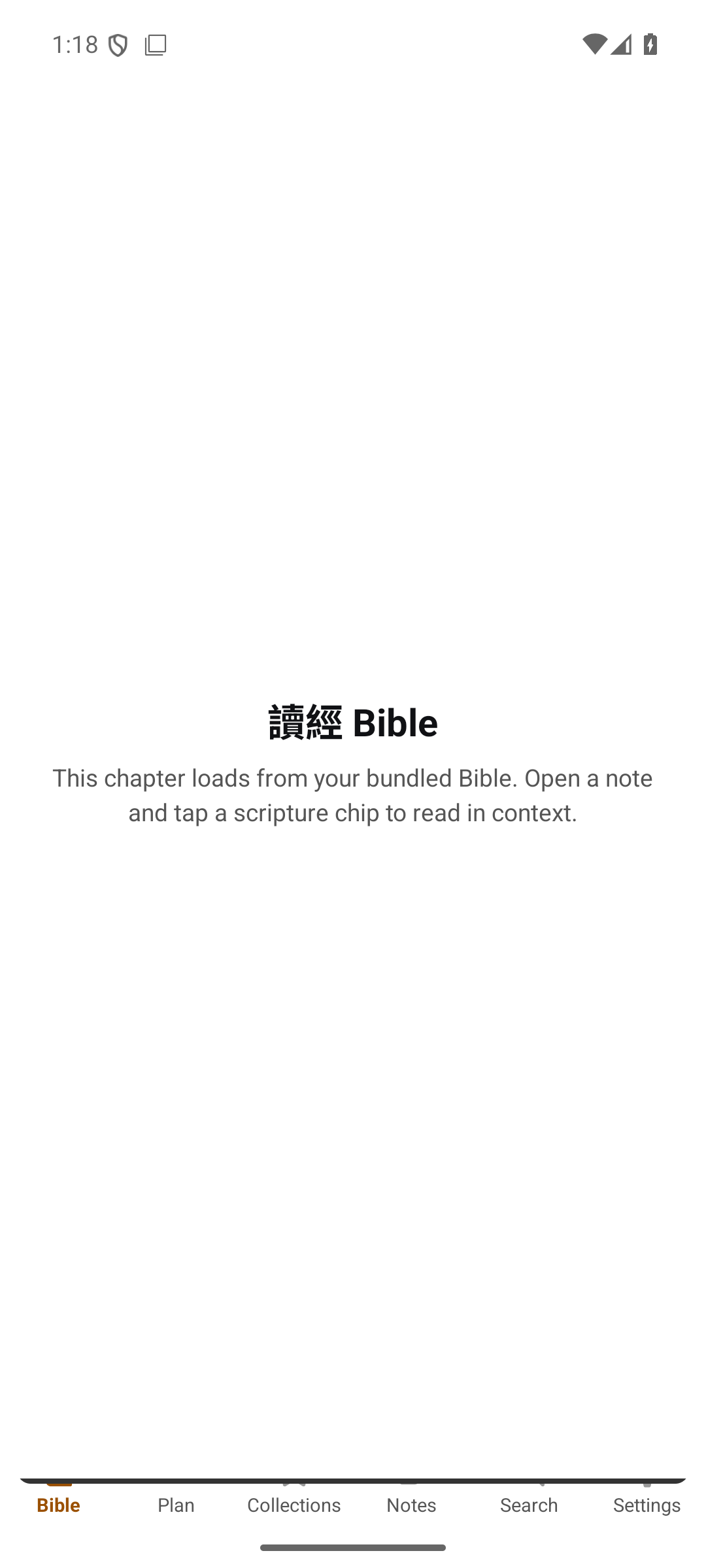
This is FWMH on Android — the same local-first reader and editor you’ll hold. Warm, calm and quiet: no ads, no feed, just Scripture and your notes.
Bible, Plan, Collections, Notes, Search and Settings — everything a tap away on the bottom bar.
Every chapter loads from the Bible bundled on your device — no signal and no account required.
Open a note and tap a scripture chip to jump straight to the passage, then back to your writing.
Write during the talk as it crosses passages — no navigating away to attach a thought.
Cell groups and Bible studies who want a shared, verse-indexed memory of what the group saw.
靈修 writers who return to a verse and find everything they’ve ever prayed through it.
Prepare across Genesis, Luke, and Romans in one session with a writing-first, multi-anchor flow.
KJV, 和合本 and 當代譯本 to read; Strong’s and deep study to go under the words; and advanced Bible views to see the whole picture — public-domain and openly-licensed, with no scraping and no borrowed API.
See how the people of a passage connect — families, tribes and rivalries — as a living graph.
Place events in order and see where a book sits in the sweep of the whole story.
Follow the journeys on a map — where it happened, and how far they travelled.
The speaker opens in Genesis. You type “Gen 1:1”. It becomes a chip and quotes the verse. You keep writing your own thoughts underneath.
He jumps to the birth narrative. You type “Luke 2”. Another chip appears. You never left your note — no filing, no tab-switching.
Two months later you prepare your own study on Genesis 1. You open the verse — and this morning’s note is already there, waiting on it.
A daily streak keeps your own practice honest. Group devotions bring your 小組 into it — a little Snapchat, a little accountability app — and when your circle shows up together, everyone earns a gift.
Do your devotion each day and your streak grows, Snapchat-style. It resets fresh at the start of every month — so it’s always a new beginning, never a guilt trip.
Create a group and follow the same plan together, seeing each other’s progress. A free circle holds up to 3 people. Every member on Plus adds room for 10 more.
At the end of each month we total everyone’s devotion days. The more your circle showed up, the bigger the gift — and it goes to every member.
When your group reaches 20% attendance for the month.
When your group reaches 50% attendance for the month.
When everyone shows up — missing no more than 2 days each — every member’s next month is on us.
🎁 Gift for allNot a sermon ghost-writer — a study companion that plans with you and reflects with you, grounded in Scripture and in what you’ve already written. It reads your notes to help you; it never trains on them.
Tell it where you are and where you want to go; it shapes a devotion or reading plan around your season and your pace.
PlusA companion to think and pray through a passage with — asking good questions, always pointing back to the text.
Plus“What have I written about grace?” Ask across everything you’ve journaled and let your own words come back to you.
PlusYour notes stay yours and encrypted on your device. AI is opt-in — and we never read your notes for advertising or model training.
Reading Scripture, taking notes, backlinks and export are free forever on your device — up to five notes. FWMH Plus removes the limits: unlimited notes, note sharing, watermark-free sharing and copying, cloud sync, group devotions and AI — with a student price for those who need it.
The whole note-taking core — no card, no trial clock.
Everything in Free with no limits — unlimited notes, note sharing, watermark-free sharing and verse copying, cloud sync, every book unlocked, group devotions and AI companions.
Students save more — see the pricing FAQ. Launch pricing, shown per month; your final price depends on your app store and region.
| Feature | Free | Plus |
|---|---|---|
| Bible view | ||
| Read KJV · 和合本 · 當代譯本 | ||
| Strong’s concordance & STEP senses | ||
| Compare translations, side by side | ||
| Full-text Bible & note search | ||
| Copy ScriptureClean text — no watermark or link | With link | No link |
| Deep studyWord-level study of God’s Word | 4 Gospels | All books |
| Bible character relationship graphAdvanced Bible view | 4 Gospels | All books |
| Chronological timelineAdvanced Bible view | 4 Gospels | All books |
| Geographic mapAdvanced Bible view | 4 Gospels | All books |
| Notes | ||
| Block editor & scripture chips | ||
| Per-verse backlinks & graph | ||
| Tags, wikilinks & reading plans | ||
| Notes you can keepOn Free, delete one to add another | Up to 5 | Unlimited |
| Offline & encrypted on-device | ||
| Markdown & JSON export | ||
| Share a note | – | |
| Note cloud sync across devices | – | |
| Social | ||
| FWMH StreakSnapchat-style · resets each month | ||
| Group devotions with shared progressSnapchat-style rhythm for your 小組 | Up to 3 | +10 per member |
| Share to Instagram | Watermark | No watermark |
| AI | ||
| AI devotion planning | – | |
| AI devotion partner | – | |
| Ask your own notes | – | |
FWMH is in active development for iOS and Android. Leave your email and we’ll send you the beta before anyone else — no noise, just the launch.
We’ll only email you about FWMH. Unsubscribe any time.